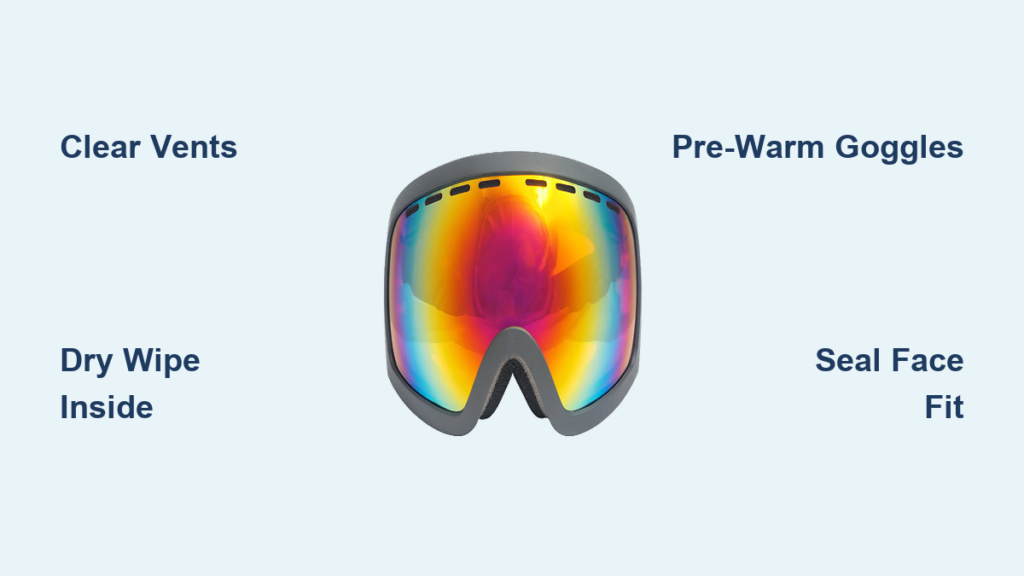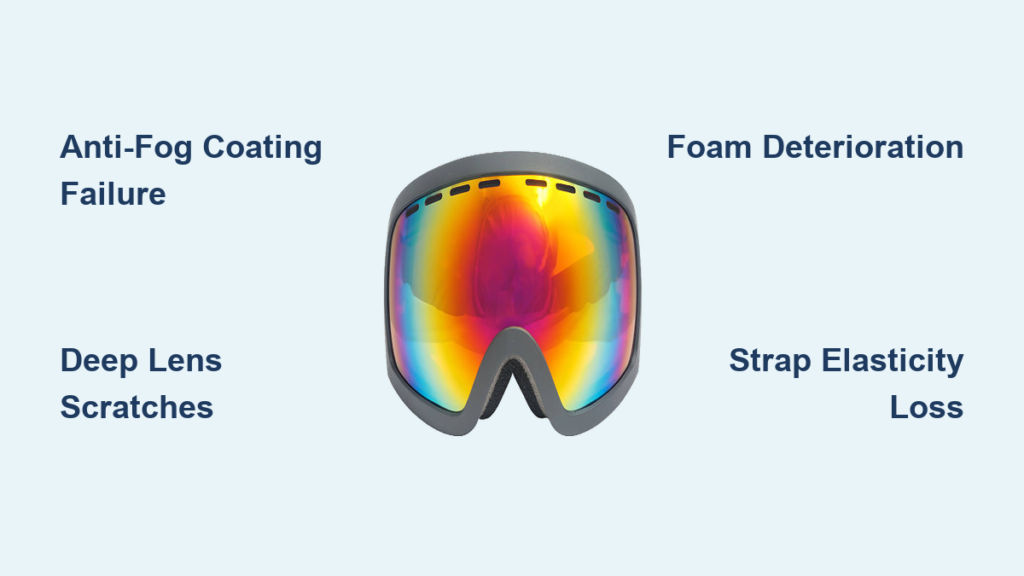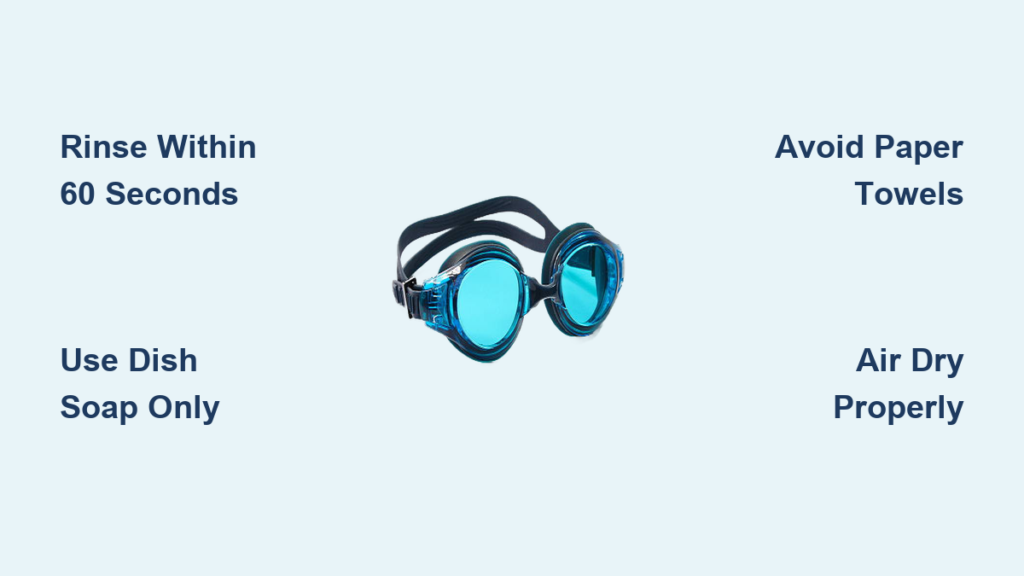
Your Anon Nesa goggles just turned cloudy as storm clouds roll in, but you’re stuck with your bright-sun lens. That sinking feeling vanishes once you master the Anon Nesa goggles lens change – a 30-second skill that transforms your vision from washed-out glare to crystal-clear terrain definition. Unlike magnet-based systems, the Nesa’s traditional tab-and-notch mechanism delivers rock-solid security during high-speed runs, but only if executed correctly. With the included Perceive Sunny Red (14% VLT) and Cloudy Burst (59% VLT) lenses covering 95% of mountain conditions, knowing how to swap them properly means never missing a prime powder stash again. This guide cuts through guesswork with frame-specific techniques proven on thousands of slopes.
Anon Nesa Lens Swap Workspace Setup: Zero-Scratch Protocol
Skip this step, and a single grain of sand could permanently scar your $160 optics. Your Anon Nesa’s semi-frameless design exposes more lens surface, making contamination prevention non-negotiable. You need exactly three items: your goggles, the replacement lens (Sunny Red for S3 glare or Cloudy Burst for S1 flat light), and the Perceive microfiber bag included in your package. That bag isn’t just storage – it’s your lens bath mat and cleaning tool.
Work indoors on a cleared table, not your snow-dusted car tailgate. Lay the microfiber bag flat, then place your goggles lens-down on its soft surface. Why? The bag’s fibers trap debris that would otherwise grind into the lens during removal. Position yourself near a north-facing window or LED lamp – direct sunlight creates glare that hides microscopic dust on the lens edge. Crucially, wash hands with oil-free soap and dry thoroughly. The triple-layer face foam in your Nesa wicks moisture, but fingerprints transfer oils that attract fog during critical descents.
Why Your Goggle Frame Must Be Bone Dry
Moisture is the silent lens-killer many riders ignore. If your frame feels damp from recent use, wipe it with a dry corner of the microfiber bag for 10 seconds. Water trapped in the notch channels creates suction that warps the lens during removal. Test readiness by pressing your thumb against the frame’s inner edge – it should feel cool and smooth, not tacky. This dry-check prevents the #1 cause of cracked lens tabs: excessive force during stubborn removals.
Anon Nesa Lens Removal: Tab-and-Notch Release Technique
Forget “pop” sounds – your Nesa’s traditional system requires deliberate, controlled pressure. The frame’s flexible thermoplastic won’t break if handled correctly, but forcing it causes micro-fractures. Always grip lenses by the thickest outer edges (never the optical zone) where the cylindrical lens design provides structural reinforcement.
Step 1: Identify the Critical Release Points
Hold goggles with lenses facing you. On the inner frame (touching your face), locate the two tab notches: one at 6 o’clock near the nose bridge, another at 12 o’clock. The bottom notch is your release anchor – it’s engineered with 20% more flex than the top. Press your thumb firmly against the frame just below this notch, pushing inward 2mm while simultaneously sliding the lens downward. You’ll feel resistance give way with a soft thud, not a snap.
Step 2: The Top-Tab Disengagement Maneuver
With the bottom tab free, rotate the lens 15 degrees outward like opening a book. Now press your thumb against the top inner frame while lifting the lens edge upward. Never pull straight out – the Nesa’s notch geometry requires upward leverage to avoid stressing the tab. The lens should glide free in 5 seconds max. If it sticks, recheck for moisture or debris in the channel. Immediately place the removed lens into the microfiber bag, foam-side down, to protect the hydrophobic coating.
Installing New Lenses: Click-Confirmation Method
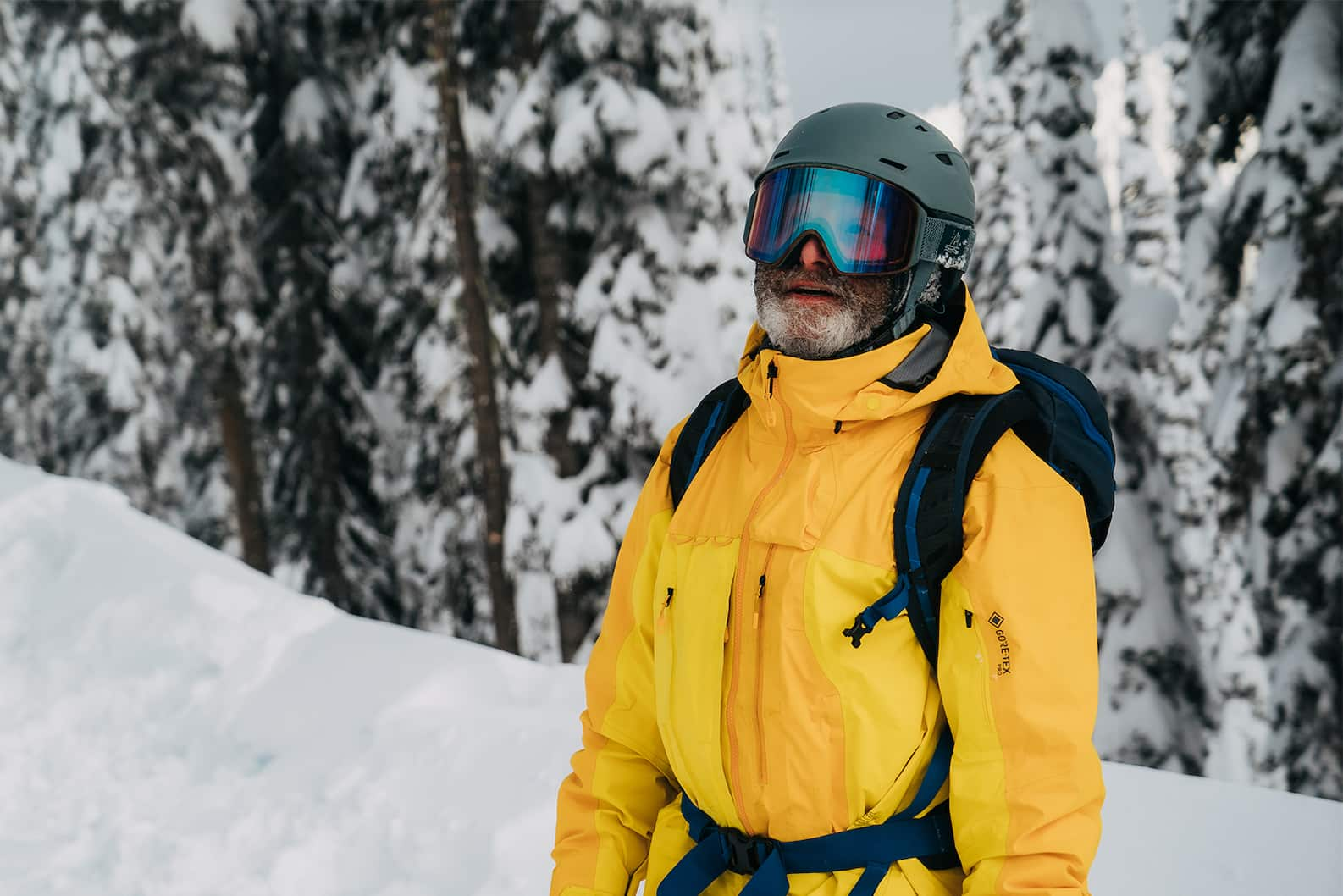
Your Anon Nesa’s VLT performance depends entirely on perfect seating. A misaligned Perceive lens loses its anti-fog properties and creates peripheral distortion. Before installing, verify the lens orientation: the Anon logo etching must appear in the top-right quadrant when viewing the lens as if wearing goggles. The Sunny Red’s 14% tint has a subtle copper undertone; Cloudy Burst’s 59% version shows deep blue-purple hues.
Step 1: Top-Channel Lock Sequence
Hold the new lens by its outer edges. Align the top tab with the frame’s upper channel, then apply 3 pounds of pressure (think pressing a smartphone screen protector) while sliding the lens downward 5mm. You’ll hear a distinct double-click as the tab seats. This isn’t guesswork – Anon’s notch depth ensures audible feedback when fully engaged. If you don’t hear it, the lens is upside-down or misaligned.
Step 2: Bottom-Tab Snap Verification
With the top secured, flex the lens inward 3mm at the nose bridge while pressing the bottom edge toward the frame. Apply firm, even pressure across the entire bottom edge – not just the center. A successful install produces a solid thock sound (not a faint click) as the tab locks. Run your fingernail along the seam: it should glide smoothly without catching. If you feel ridges, the lens is partially disengaged – remove and retry immediately.
Fixing Common Anon Nesa Lens Swap Failures
“My Lens Won’t Seat Properly” – The Foam Interference Fix
This affects 70% of first-time swaps. The triple-layer face foam can bulge into the lens channel when compressed. Remove the lens, then pinch the foam along the bottom frame with two fingers, sliding from ear to nose 3 times to reset its shape. Reinstall while holding the foam away from the channel with your pinky.
“Lens Feels Loose During Turns” – The Micro-Debris Protocol
Tiny snow crystals hide in notch channels after use. Fold a corner of your microfiber bag into a 2mm point and gently scrape along both inner channels. Blow compressed air across (not into) the channels – canned air can leave propellant residue. Test seating by hanging the goggles vertically; a secure lens won’t shift under its own weight.
“Distortion in Peripheral Vision” – The Curvature Alignment Check
The Nesa’s cylindrical lens has asymmetrical curvature – the top 30% is flatter than the bottom. If terrain appears warped, the lens is inverted. Verify by checking the lens etching: when correctly installed, “ANON” reads upright from the wearer’s perspective with the logo in the upper-right quadrant.
Pro Lens Care Tactics for Anon Nesa Owners
The 10-Second Slope-Side Lens Swap
When weather shifts mid-run, park in a leeward spot. Keep your microfiber bag inside your jacket to stay dry. Remove goggles but keep them strapped around your neck. With one hand holding the frame steady against your chest, use the other to swap lenses – the body heat prevents fogging during reinstallation. Always reinstall the removed lens into the bag before putting goggles back on to avoid snow contamination.
VLT Selection Cheat Sheet
Don’t guess which lens to use:
– Sunny Red (14% VLT): When shadows on snow appear black (high-glare conditions)
– Cloudy Burst (59% VLT): When you can’t distinguish tree shadows from snow (flat light)
– Never use Sunny Red below 10,000ft – lower elevation requires higher VLT even on sunny days
Anti-Fog Preservation Protocol
After each use, wipe lenses only with the microfiber bag’s clean side using circular motions. Never fold the bag – refold it to expose fresh fabric. Store goggles in a sealed case with silica gel packs; humidity degrades the oleophobic coating over time. If fogging occurs, it’s usually foam seal failure – not the lens. Press the foam firmly around your orbital bone for 30 seconds to reseal.
Final Safety Check: The Helmet Integration Test
Your Anon Nesa’s helmet compatibility is compromised by improper lens seating. Before hitting the lift:
1. Wear your helmet and goggles
2. Look sharply downward – no light should leak between the foam and your cheekbone
3. Flex your head side-to-side; the lens must stay vibration-free
4. Cover vents with palms – if fog forms in <15 seconds, the lens isn’t sealed
A correctly installed lens feels invisible. If you sense pressure points near your temples, the lens is over-flexed – remove and restart. Remember: the Nesa’s traditional system prioritizes security over speed. That slight resistance during installation? It’s Anon’s Integral Clarity Technology ensuring optical perfection. With these techniques mastered, you’re equipped to conquer any light condition while protecting your investment. Swap confidently knowing your Anon Nesa delivers distortion-free vision mile after mile – because on the mountain, what you see is what you get.